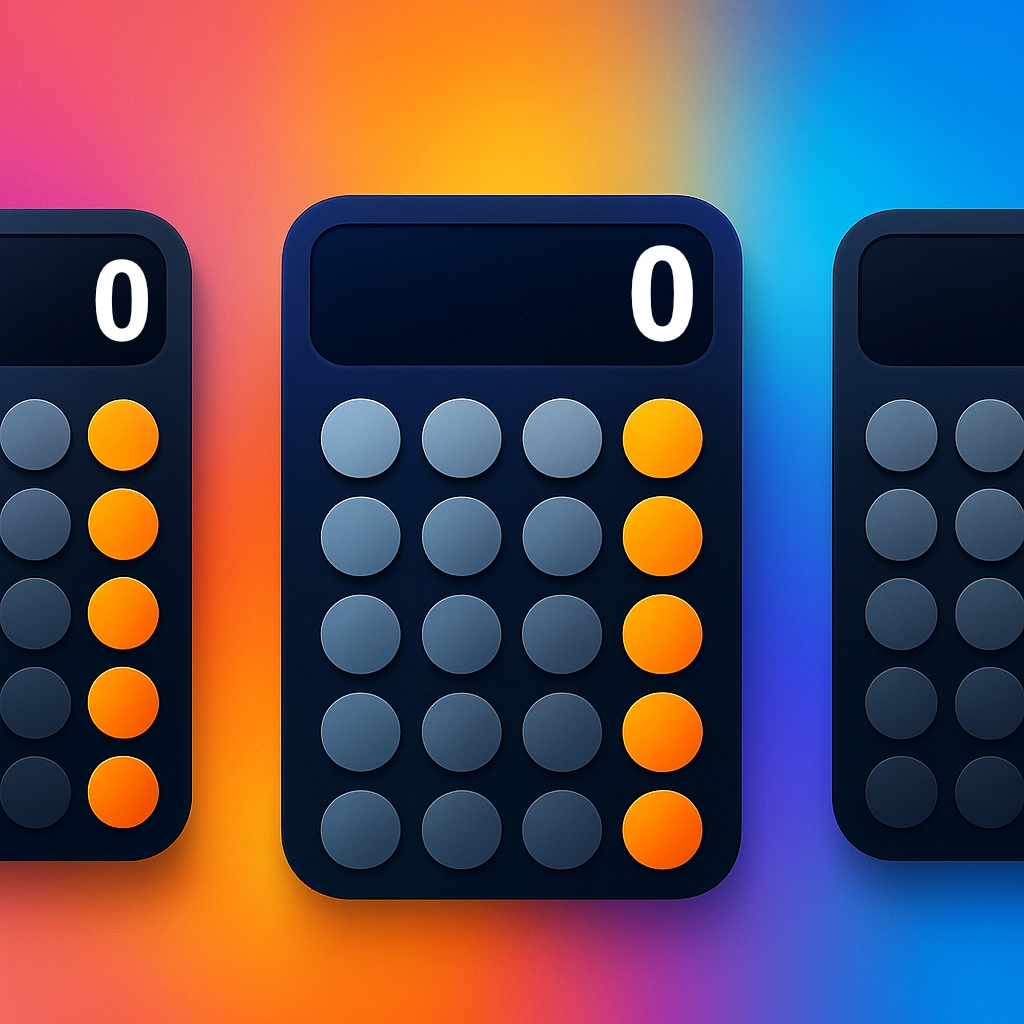
MultiCalc
6 swipeable calculators on one screen. The ultimate way to make everyday math effortless and organized.


Math, without the memory games.
Swipe between named workspaces, update custom keys, and let the device safely persist your context.
True Multitasking
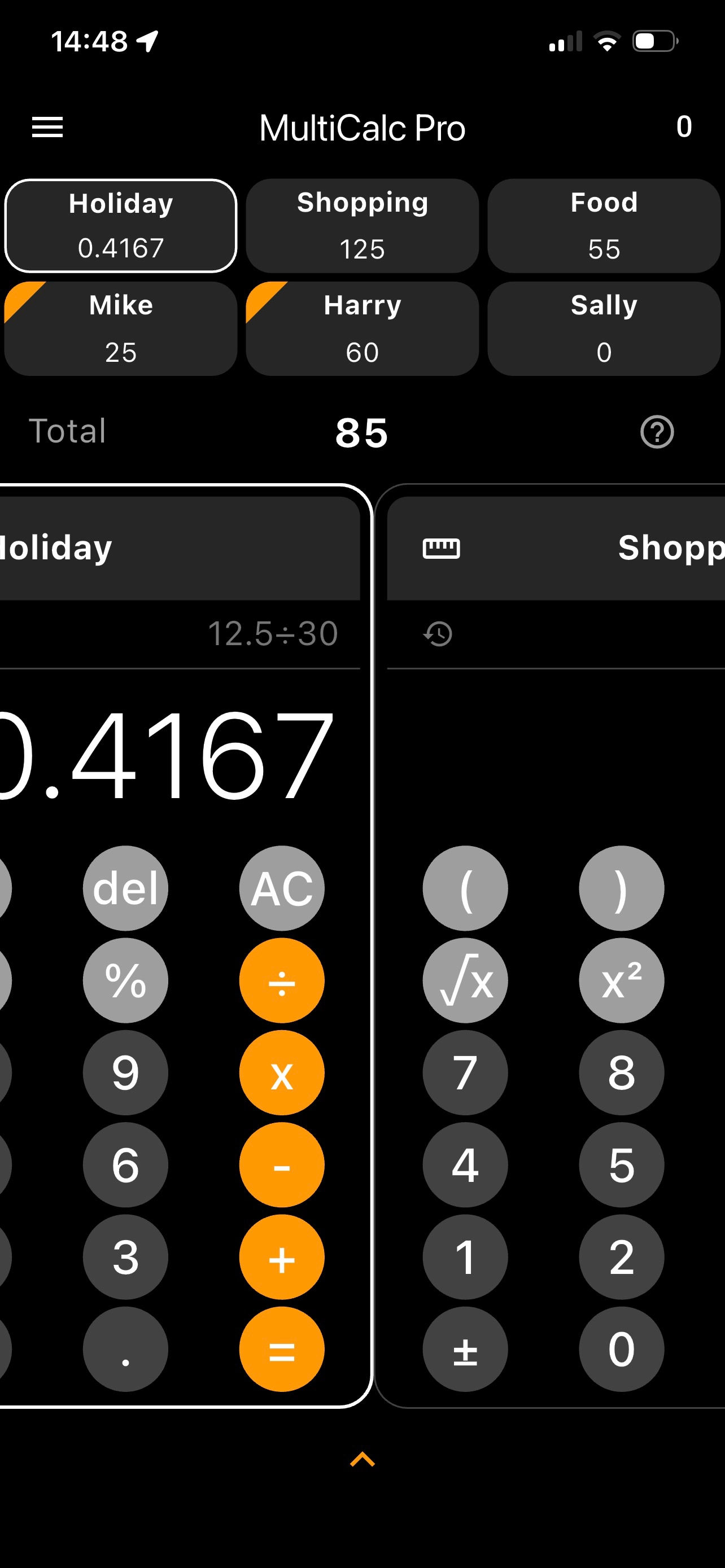
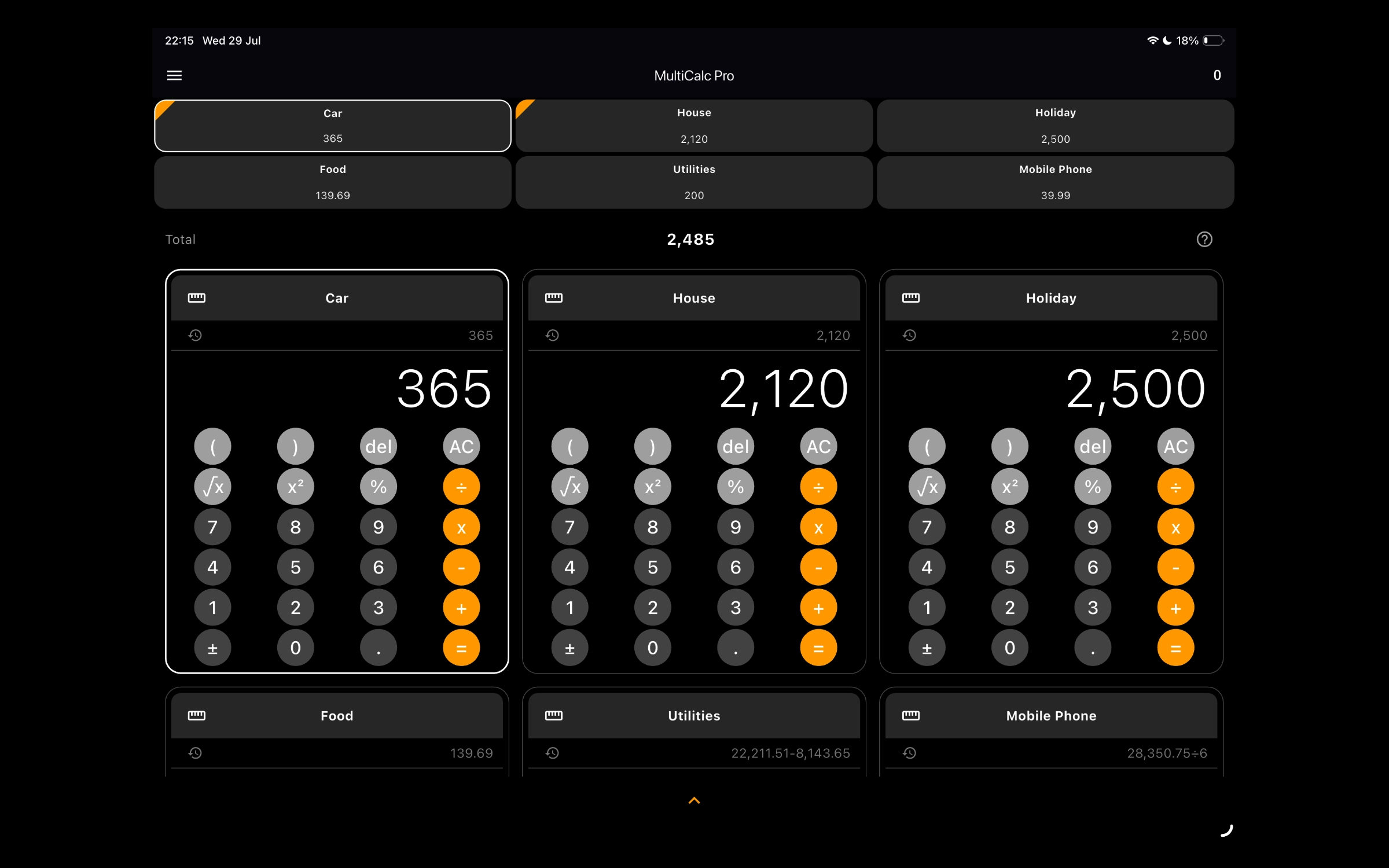
Swipe between 6 independent calculator blocks. Set persistent custom names so you never lose context.
Smart Total Field
Instantly push values from any active calculator into a master running total for immediate comparisons.
Local Sandbox
No remote tracking code, no third-party diagnostics dependencies, and absolute offline safety.
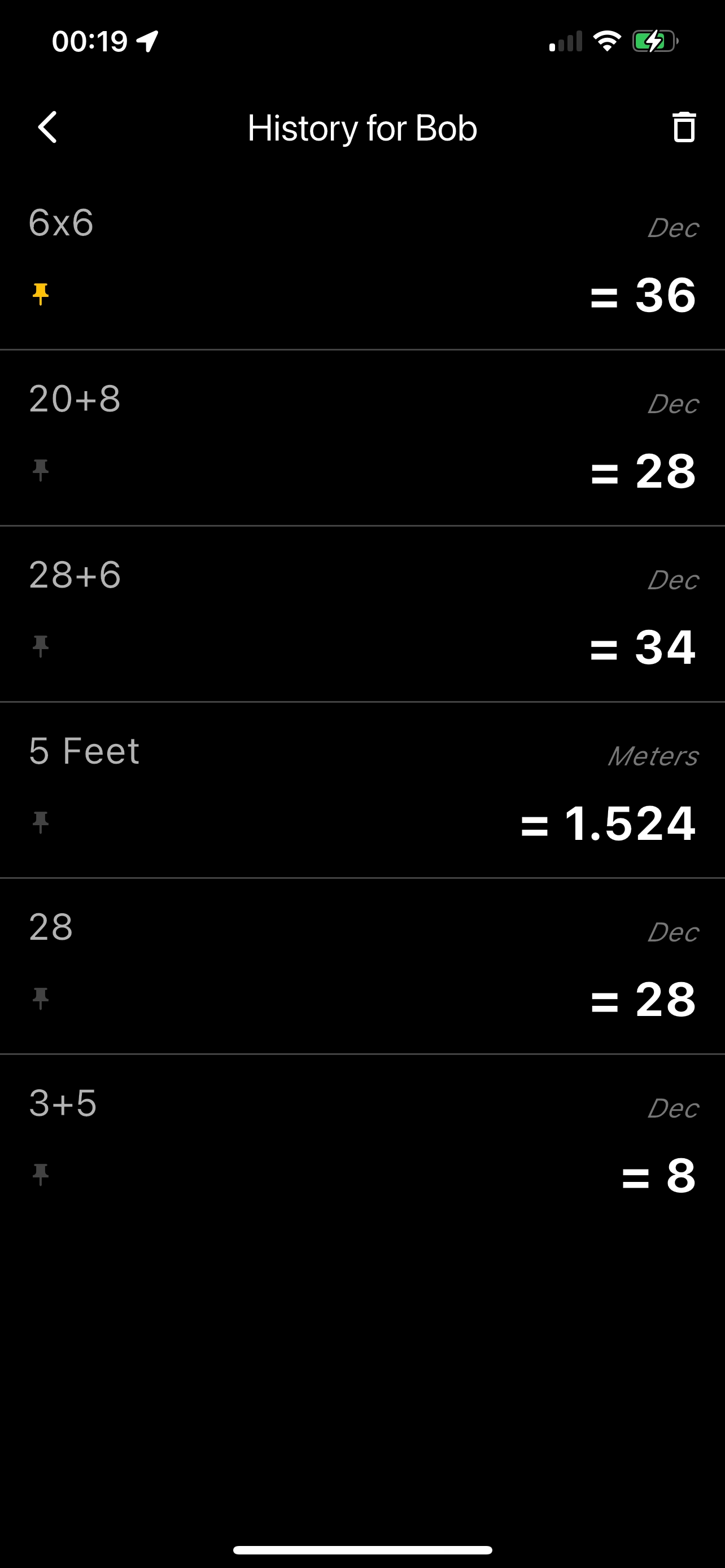
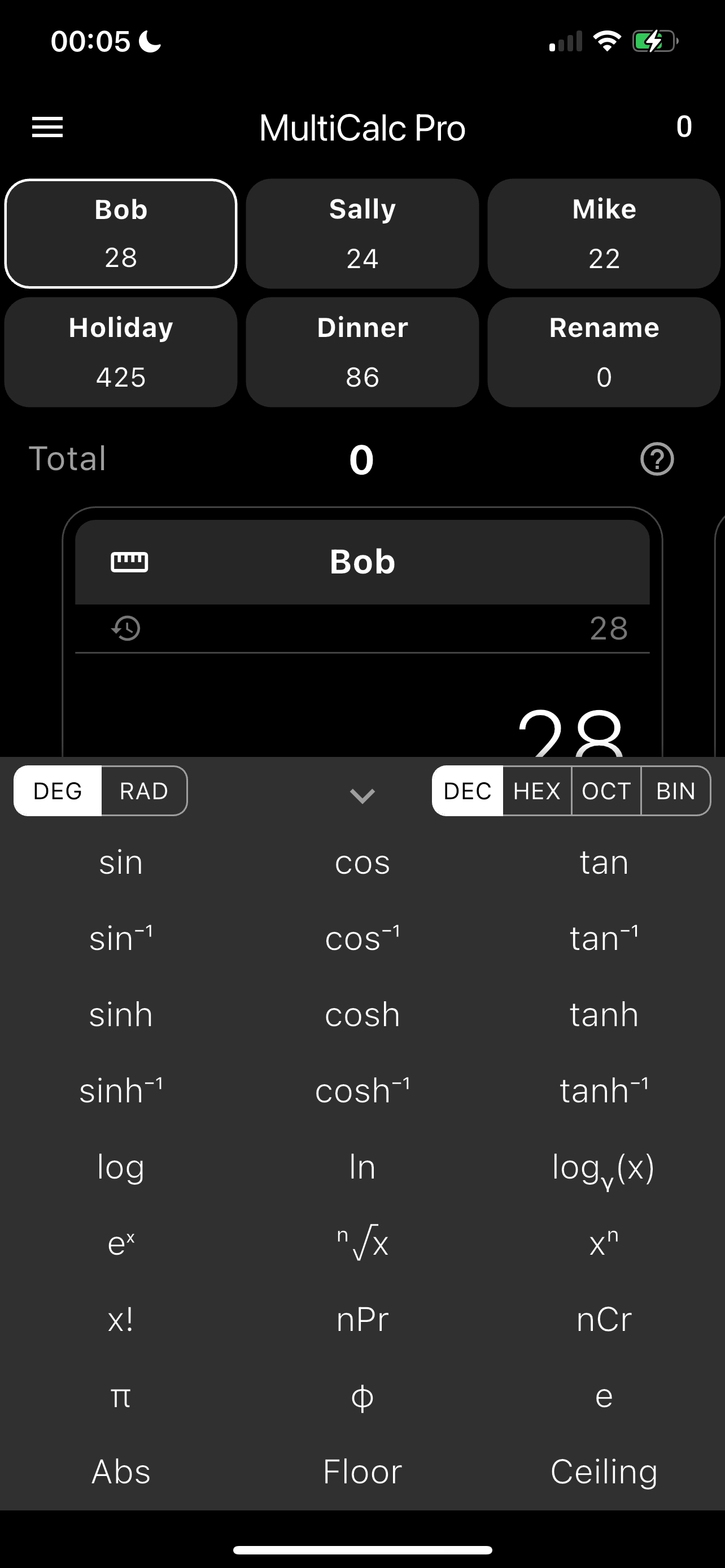
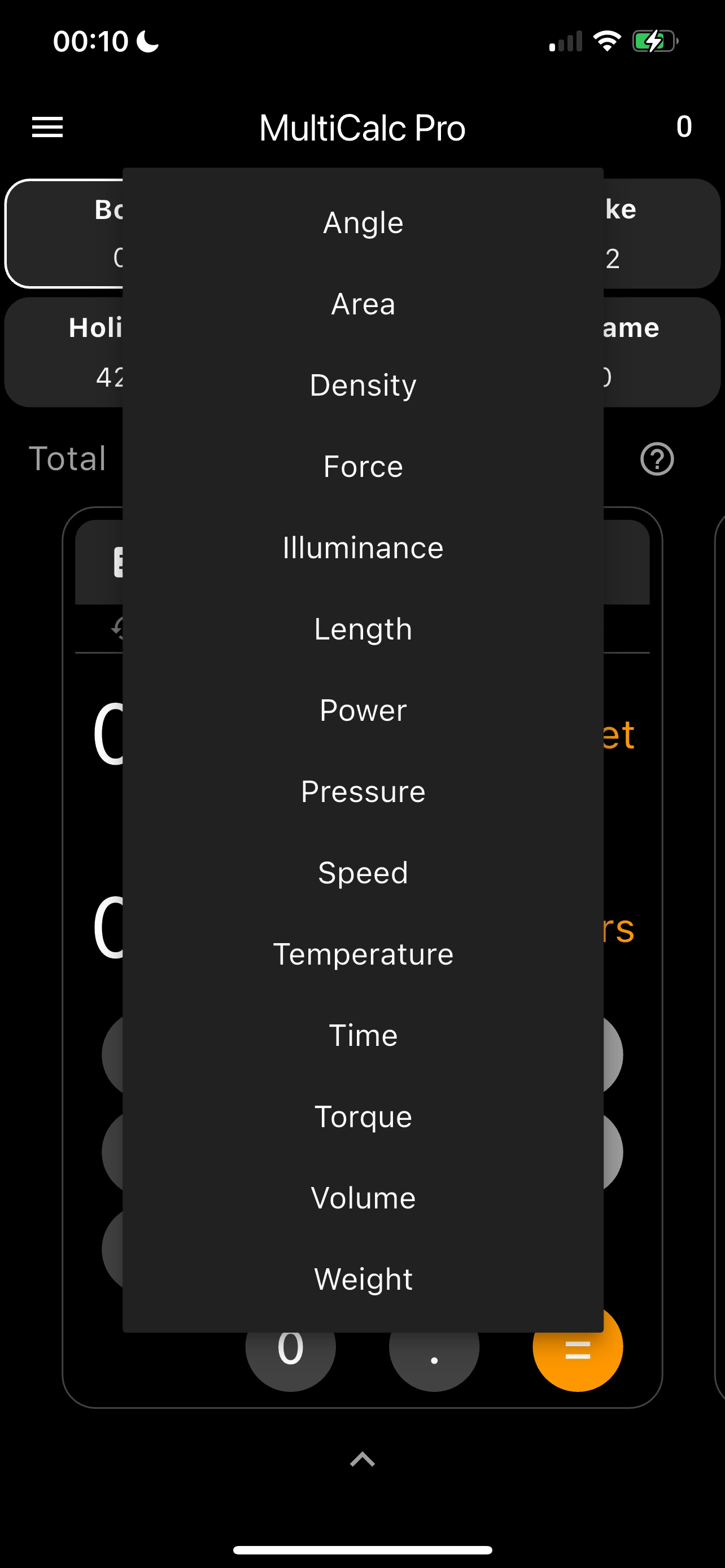
Handheld Interface
Optimized layouts built for portrait handheld calculator modules.
Tablet Interface View
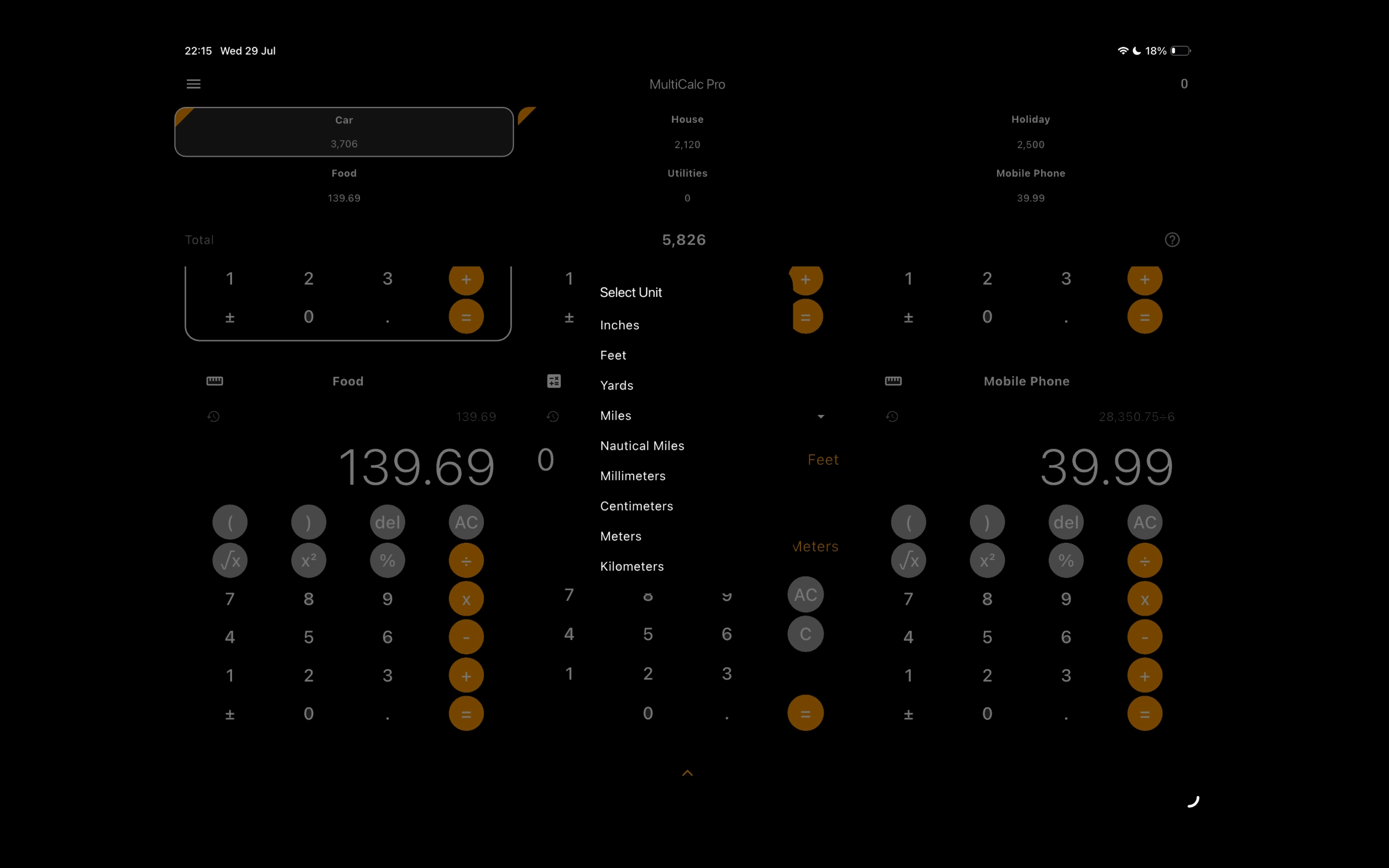
Expansive split-panel layouts designed for landscape iPad displays.

Frequently Asked Questions
How do I access Scientific Mode?
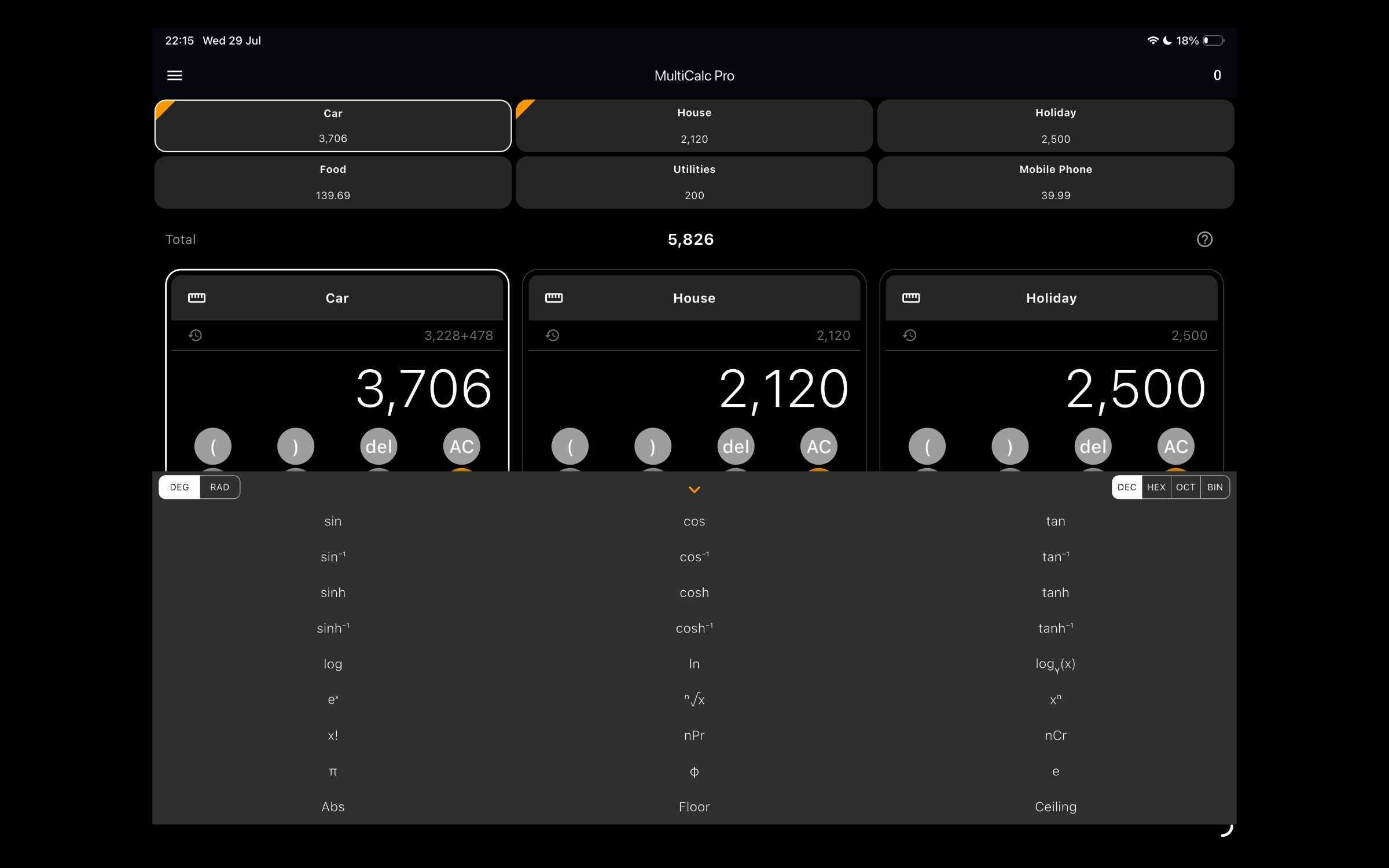
Scientific mode is available by upgrading to MultiCalc Pro for a one-time fee of £0.99 via the side menu. Once upgraded, swipe the keyboard to access scientific notations.
How do I restore my purchases?
Open Settings within the application and click "Restore Purchases". Ensure that you are connected to the same Apple ID profile used during initial purchasing.
Need help from our team?
Email SupportPrivacy Policy
Effective Date: July 2026
We are committed to securing your privacy. All custom lists, calculation strings, and workspace identities are maintained strictly on your device.
Financial transaction processing is handled by Apple App Store billing. We do not index or collect data from your session.
Terms & Conditions
Use of MultiCalc is governed by the Apple Standard End User License Agreement (EULA).
While we strive for accurate calculations across all modules, our applications are provided "as is". We are not responsible for any issues resulting from calculation discrepancies.