
DuplicateSweep
Safely find and remove duplicate files using byte-for-byte SHA256 accuracy. Reclaim your disk space in seconds.

Reclaim space with SHA256 precision.
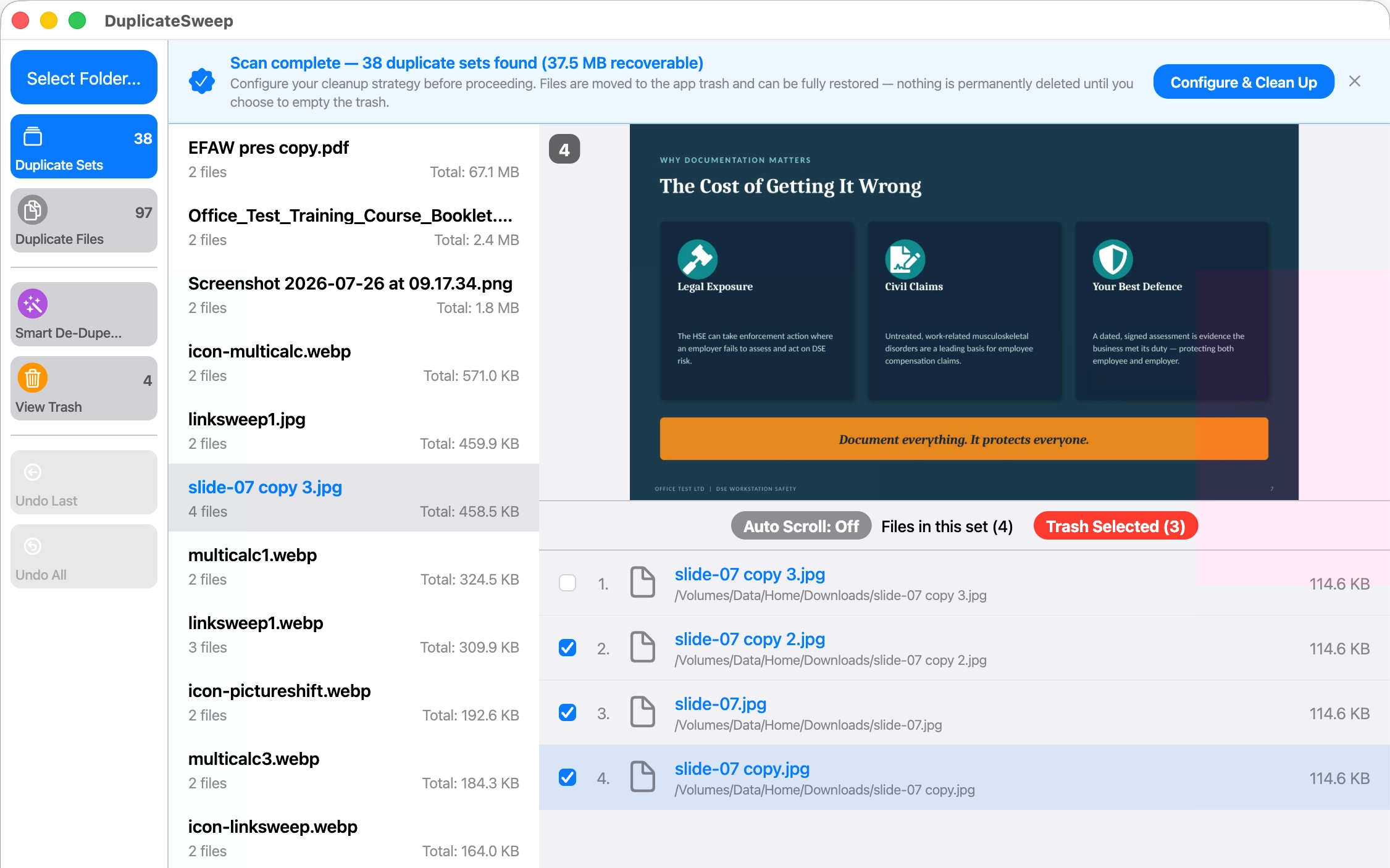
Tired of mystery files bloating your drive? DuplicateSweep utilizes absolute checksum validation to locate identical clones across directory structures. No cloud processing, no tracking telemetry, and no false matches.
Absolute Accuracy
Validate files using SHA256 checksum calculations. Clones are verified by internal contents, completely ignoring mismatched file naming configurations.
Sandbox Isolation
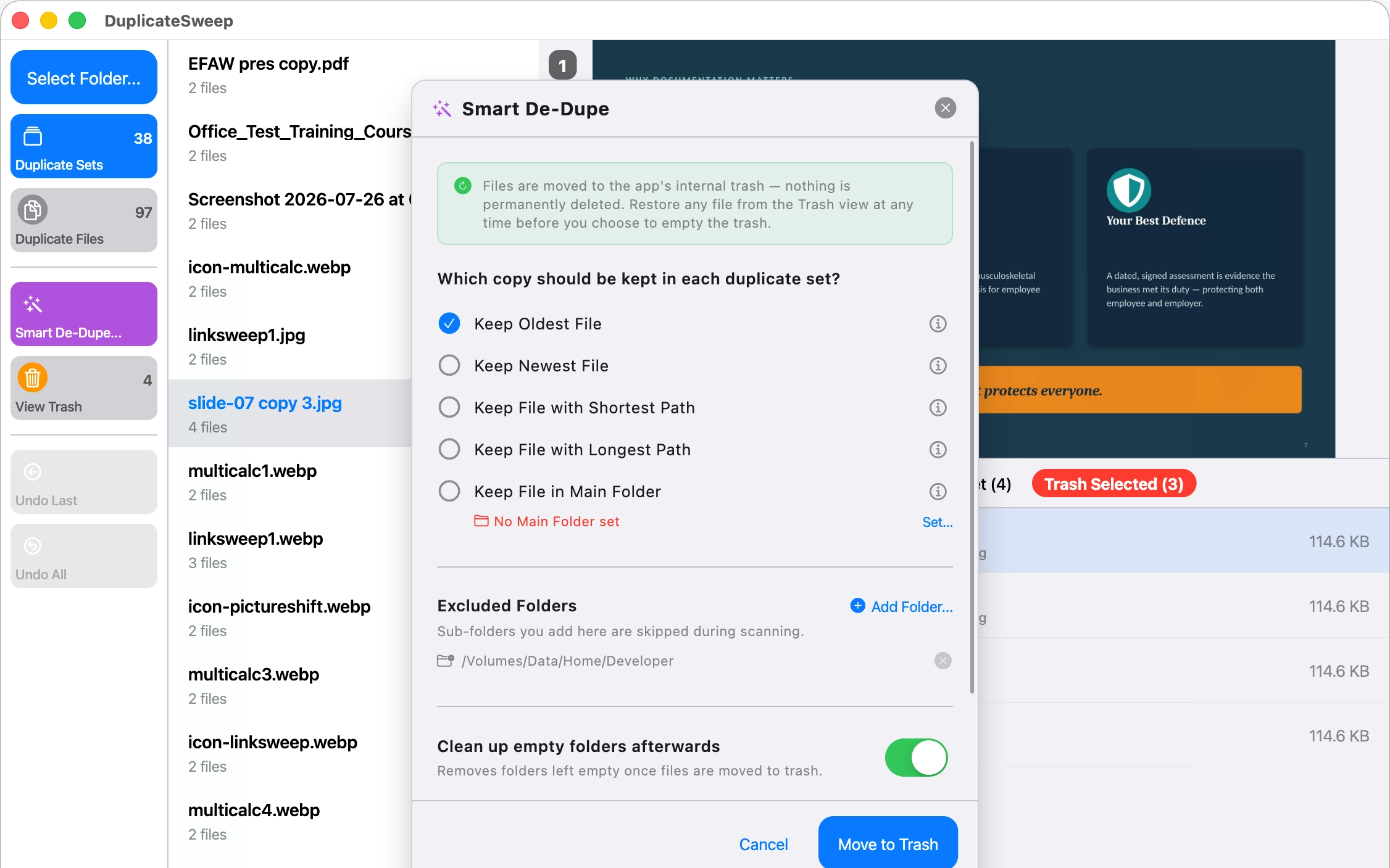
Safety first. Selected duplicates are initially moved to a secure local application trash layer, allowing you to verify configurations before permanent removal.
Local Scan Only
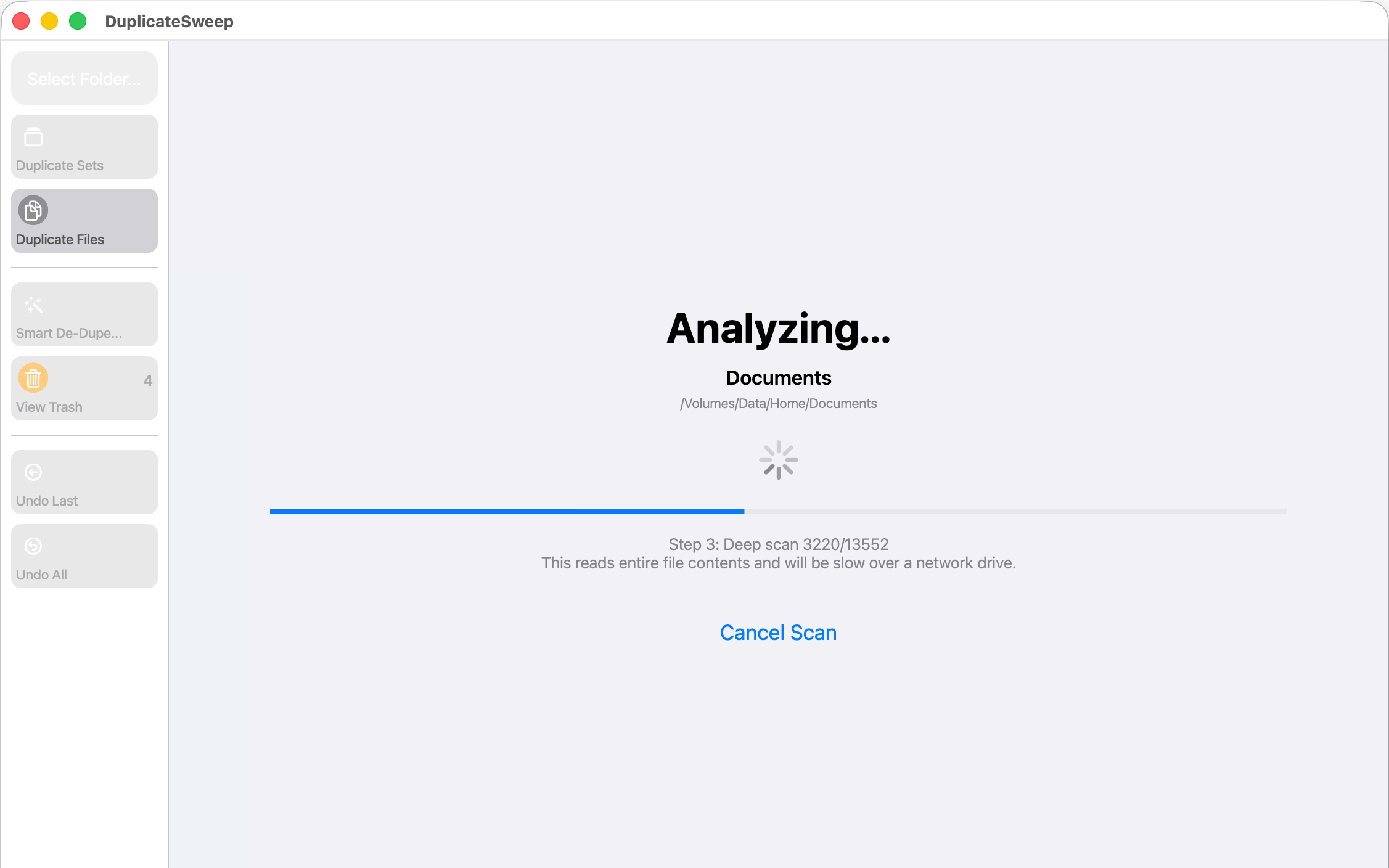
We respect system boundaries. All indexing operations occur entirely offline on your Mac volume. No tracking endpoints or external metrics dependencies.
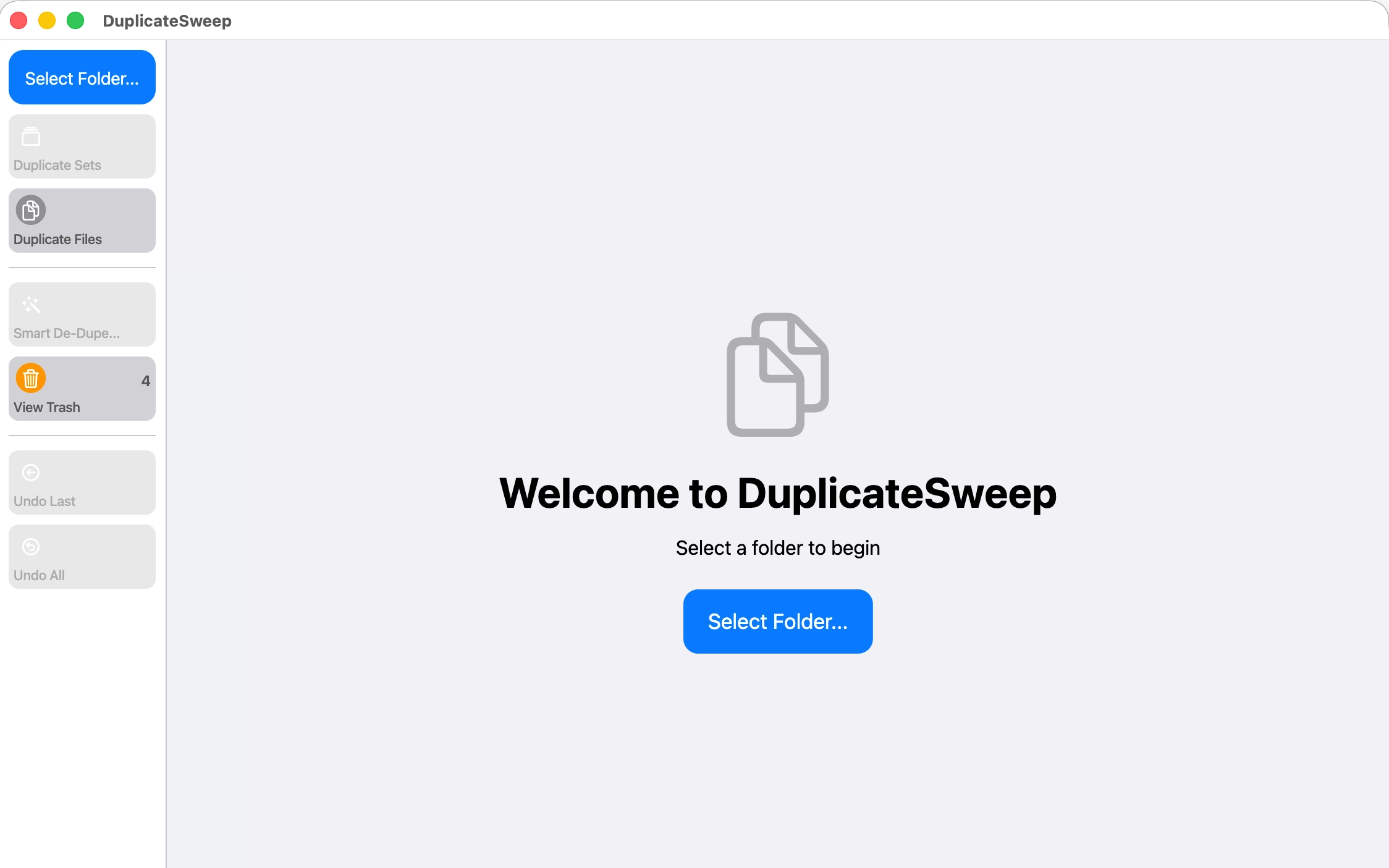
Visual Interface
Support & FAQs
Is it possible to recover files from the app's internal trash?
Yes. Until you manually choose to "Empty Trash" inside the application, your original items can be restored back to their directory locations.
Does DuplicateSweep scan cloud storage directories?
DuplicateSweep can index folder structures mapped within iCloud, OneDrive, or Dropbox. Please ensure files are stored locally prior to scanning so precise checksum operations can run.
Still need help?
Email SupportPrivacy Policy
Effective Date: July 2026
SyCIS Ltd operates DuplicateSweep on a strictly Local-First architecture.
We do not collect, transmit, or audit your folders or files. Calculation processes occur offline on your machine.
No analytical telemetry or trackers are active in our binary configurations.
Terms & Conditions
By downloading DuplicateSweep, you agree to Apple's standard EULA.
While we perform content validation via cryptographic checksum operations, we recommend maintaining system backups before executing cleanups.